AppShelf

</a>
AppShelf
A fast, elegant macOS launcher that opens your favorite apps from one clean, focused grid.
✨ Why AppShelf
AppShelf gives you instant access to your essential apps—without Dock clutter, without distractions, and without breaking your workflow.
- Open your launcher with a global shortcut
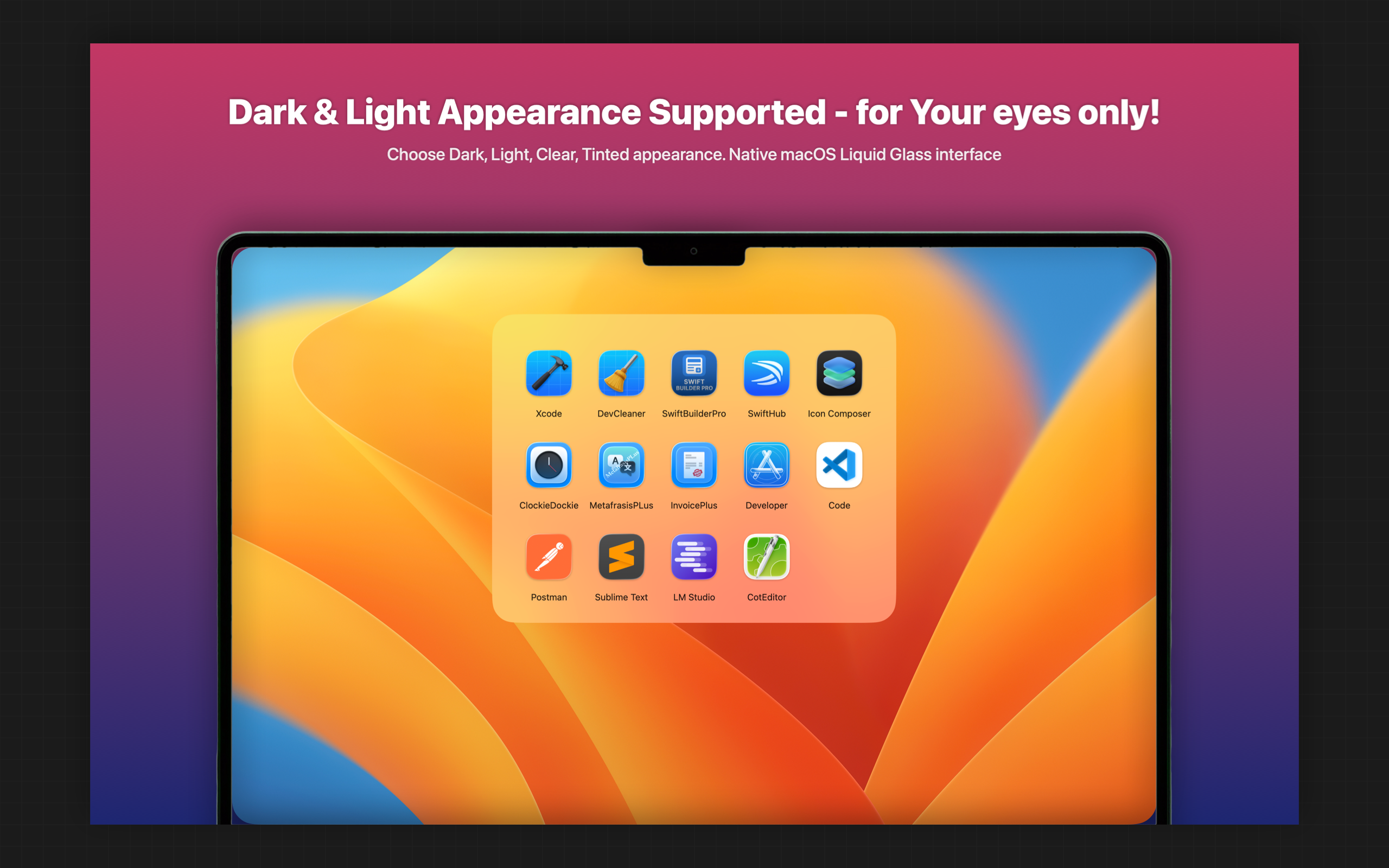
- Keep a clean, minimal grid of only the apps you choose
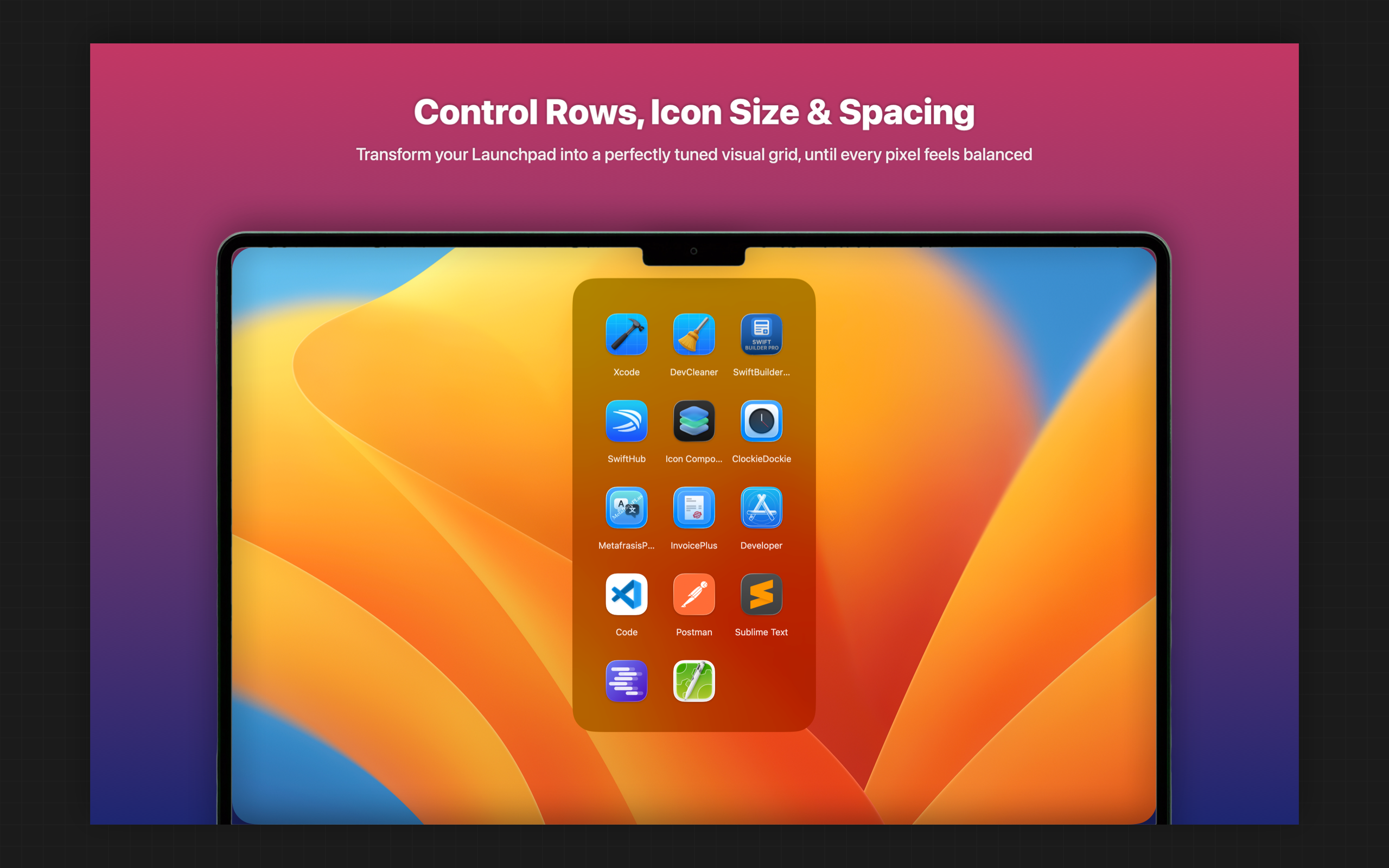
- Customize the layout (Pro) to match your exact style
- Enjoy a native, lightweight macOS experience
🧩 Features
- ⚡ Quick launcher window for your selected apps
- ⌨️ Global hotkey to show/hide the launcher
- 🖱️ Drag & drop to rearrange apps
- ➕ Add / remove apps from Settings
- 🔄 Launch at Login option
- ⏱️ Idle auto‑hide option
- 🌍 Localized in 16 languages

💎 Free vs Pro
Free
- Up to 8 apps
- Fixed defaults:
- Columns: 4
- Icon size: 72
- Icon spacing: 0
- Idle hide delay: 0
Pro (Lifetime — one‑time purchase)
- Unlimited apps
- Appearance customization:
- Columns
- Icon size
- Icon spacing
- Idle hide delay
- Shortcut customization:
- Modifier keys
- Activation key
- Restore Purchases support
🌐 Localization
AppShelf is fully localized in:
- English
- Arabic
- Arabic (UAE)
- German
- Greek
- Spanish
- French
- Hindi
- Italian
- Japanese
- Korean
- Portuguese (Brazil)
- Romanian
- Turkish
- Chinese (Simplified)
- Chinese (Traditional)
🔗 Links
- 📘 README: https://ops-eng.github.io/AppShelf/README.md
- ❓ Help: https://ops-eng.github.io/AppShelf/help.html
- 🔒 Privacy: https://ops-eng.github.io/AppShelf/privacy.html
- 🛠️ Support: https://ops-eng.github.io/AppShelf/support.html
👨💻 Developer
Built with care by Efthymios Tampouris.